


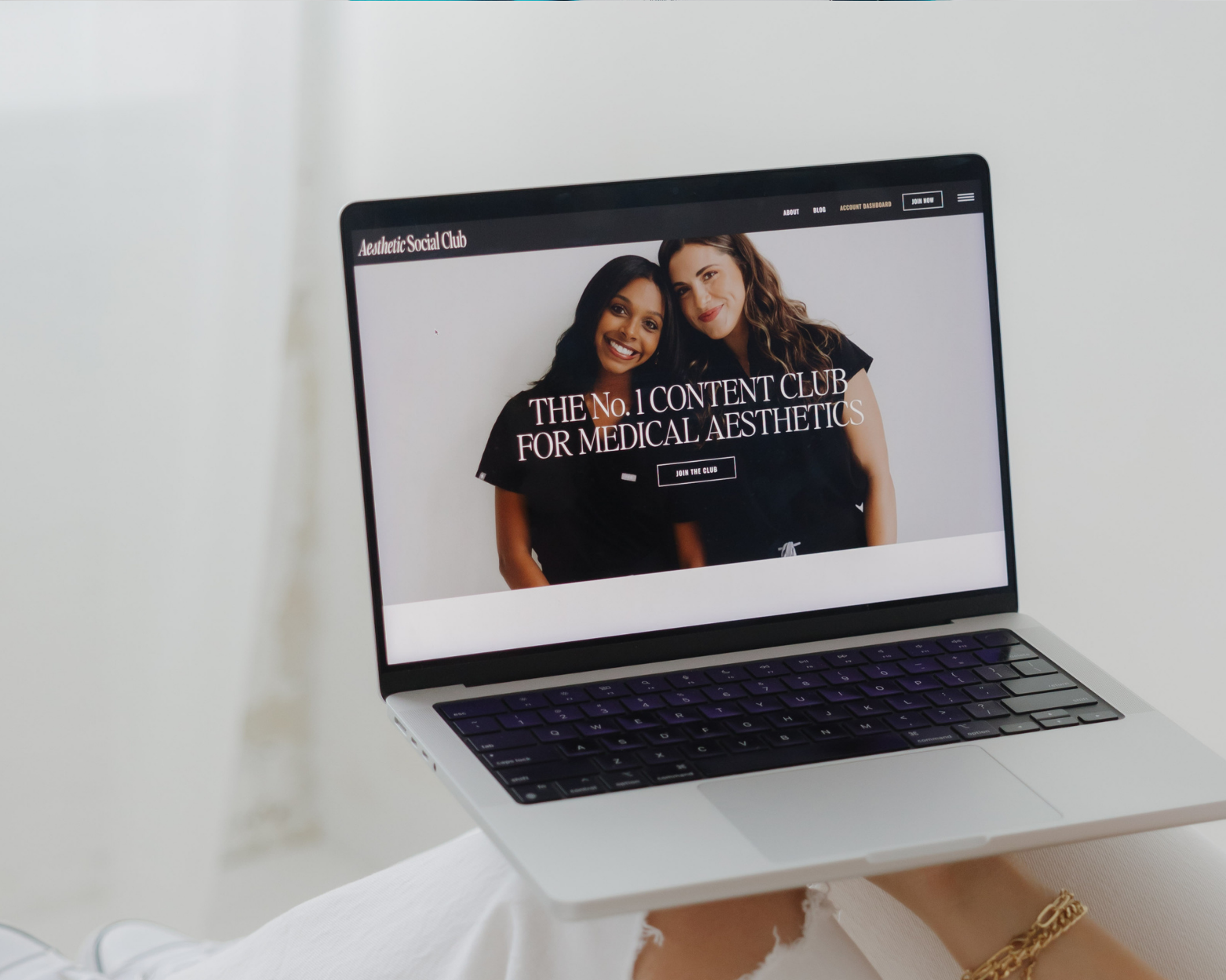
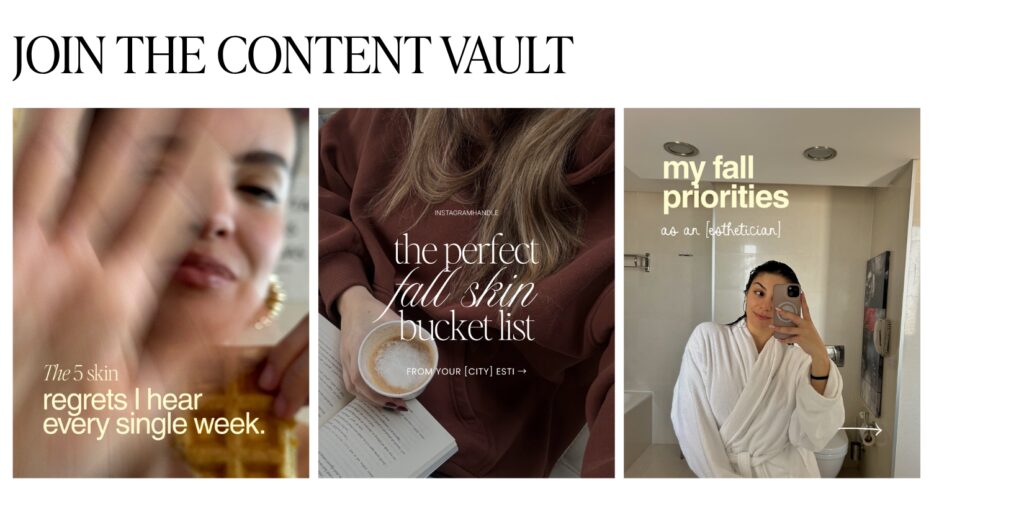
Canva templates for med spas are one of my FAVORITE ways to make social media content creation easier! 🎨
Because when you’re busy seeing patients, managing appointments, and running a practice, having your content already designed can save you SO much time.
But here’s something I want you to remember.
Just because you’re using a template doesn’t mean your content has to look like everyone else’s.
With a few simple changes, you can take a ready-to-post design and make it feel completely on-brand for your practice.
And the best part? You can do most of it in about five minutes!
Let’s get into it.
Why Do Canva Templates Sometimes Look Generic?
Usually, it’s because they haven’t been personalized yet!
Think of your Canva template as the starting point. The layout, design, and content direction are already there, but you get to add the little details that make it YOURS.
And honestly, that’s the beauty of using templates.
You get to skip the part where you’re staring at a blank Canva page wondering what the heck to create. 😂
What Should You Customize in Every Canva Template?
I recommend starting with three simple things.
1. Your Brand Colors and Fonts
Keep your content consistent by using the same colors and fonts throughout your Instagram feed.
If you have access to Canva’s Brand Kit, save your branding there so it’s easy to apply to future designs.
2. Your Photos
Swap out stock images for photos from your practice!
Think treatment rooms, skincare products, your team, or behind-the-scenes moments.
3. Your Captions
Read through the caption and make sure it sounds like something you’d actually say.
Add your expertise, mention your services, or adjust a sentence to reflect your personality.
That’s it!
For more tips, check out our guide on how to customize Canva templates for aesthetic practices.
How Do You Build a Photo Library for Your Templates?
Here’s something I’d recommend doing this week!
Spend ten minutes taking photos around your practice.
Capture your treatment room, product shelves, favorite skincare products, front desk, and a few team photos.
You don’t need professional photography for every post. Natural lighting and your phone camera can work beautifully!
Save everything in a folder so you have photos ready whenever you’re customizing a template.
One less thing to search for every week! ✨
What’s the 3-to-1 Content Rule?
Here’s a fun little content strategy to try.
For every three template-based posts, create one personal post.
Maybe it’s a talking-to-camera reel, a quick behind-the-scenes video, or a little introduction to someone on your team.
There’s no required ratio, but it’s a helpful way to balance educational content with posts that let your audience get to know you.
Because your Instagram should showcase both your expertise AND your personality!
How Do You Choose the Right Canva Template?
Instead of choosing a template just because you love the design, think about what you want your post to accomplish.
Educational carousels: Share treatment information, skincare tips, and frequently asked questions.
Reels: Introduce your practice to new audiences and showcase your expertise.
Stories: Share polls, appointment reminders, behind-the-scenes moments, and casual updates.
Branding posts: Introduce your team, highlight your philosophy, and share what makes your practice special.
Our guide to the 5 types of templates every aesthetic practice needs explains how to use each format!
Do You Need to Use Every Template?
Absolutely not!
And this is something I want every Vault member to remember.
Having a full content library doesn’t mean you need to use every single template.
Choose two or three that fit your practice’s goals for the week, customize them, and schedule your posts.
That’s a win!
If consistency has been a challenge, our blog on why aesthetic practices struggle to post consistently has some helpful ideas.
What’s the Easiest Weekly Workflow?
Keep it simple!
Set aside about 30 minutes each week to choose your templates, update your branding, swap photos, personalize captions, and schedule your posts.
Depending on the content you’re creating, you may be able to prepare your entire week in one sitting.
And here’s another little time-saving trick!
Create a Master Canva Template
Once you’ve customized a design with your brand colors, fonts, and preferred layout, save a master copy!
Then, whenever you need a similar post, duplicate your design and update the information.
It’s such an easy way to maintain a consistent look without starting over every time.
Frequently Asked Questions About Canva Templates
Do I need Canva Pro?
Not necessarily! Many templates can be edited with a free Canva account. Canva Pro offers additional branding tools and design features that can make customization easier.
Will another med spa use the same template?
It’s possible! But adding your own branding, photos, expertise, and personality helps make your content feel unique to your practice.
How do I edit captions without losing the SEO benefits?
Keep relevant keywords, such as your treatment name, specialty, and city when appropriate. Then personalize the wording so it sounds natural.
What if a template doesn’t fit my specialty?
Use the layout as your starting point and customize the information to reflect your services and audience.
Let’s Make Your Canva Templates Work for YOU!
Here’s something to try today.
Choose one Canva template, add your brand colors, swap in a photo from your practice, and personalize the caption.
See how easy that was?
And if you’d love to have your social media content already planned and designed for your specialty, that’s exactly why I created The Aesthetic Vault. 🩵
Inside our specialty-specific Vaults, you’ll find ready-to-post social media templates, captions, and content ideas that you can easily customize for your practice.
Or start with our free social media templates and give them a try!
Because creating beautiful, consistent content shouldn’t mean spending all your free time in Canva.
Explore More Blog Posts ↓
- The Instagram Content Audit Every Aesthetic Practice Needs Before 2027
- The Five Minutes That Make Canva Templates Look Like Yours
- Medical Aesthetic Conferences of 2027: Which Ones Are Worth Attending? 🗓️
- Black Friday Social Media Content for Aesthetic Businesses
- All of Your November Content, Planned in One Read

Farah Gooch is a Registered Nurse and founder of The Aesthetic Vault, a content membership built for medical aesthetic professionals. After working in nursing, medical laser sales, and aesthetic social media, she created The Aesthetic Vault to help injectors, estheticians, plastic surgeons, and dermatology practices save time, stay consistent, and market their businesses with confidence.
Explore The Aesthetic Vault.


Comments +